
Crafted to inspire, felt in spirit
Flattr
Blend & Merge Photos
Free · In-App Purchases
Features
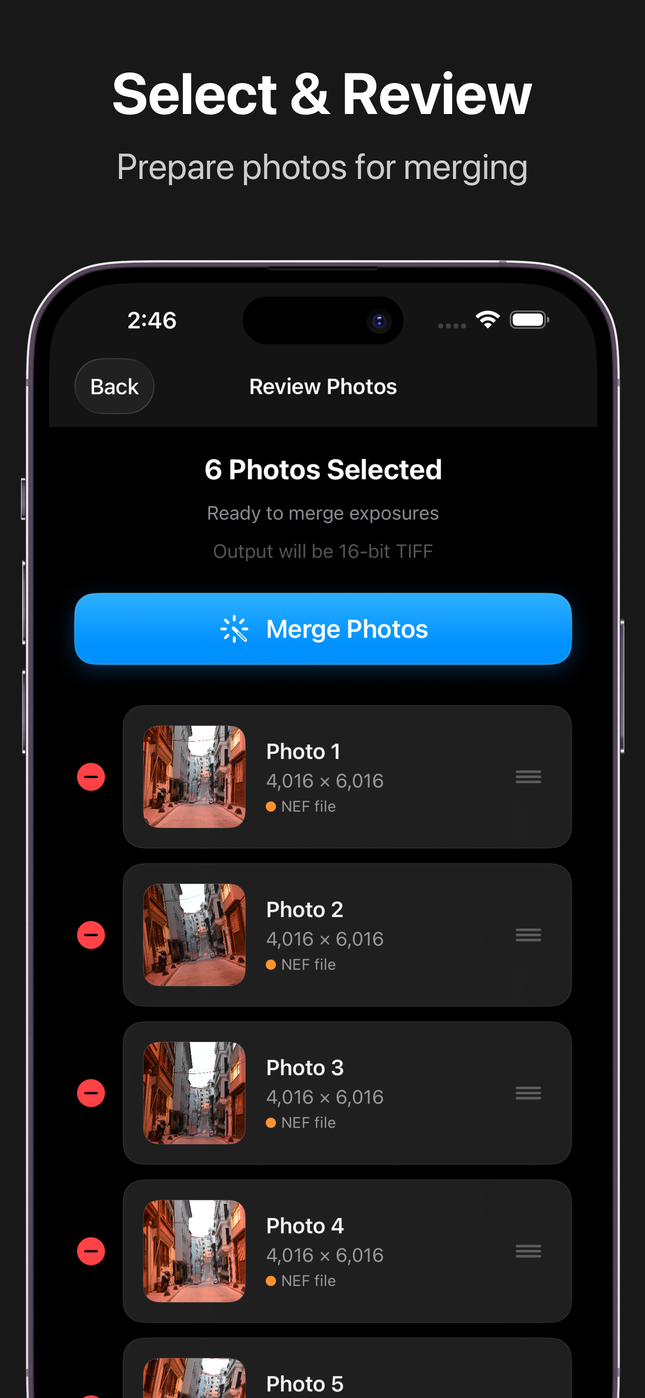
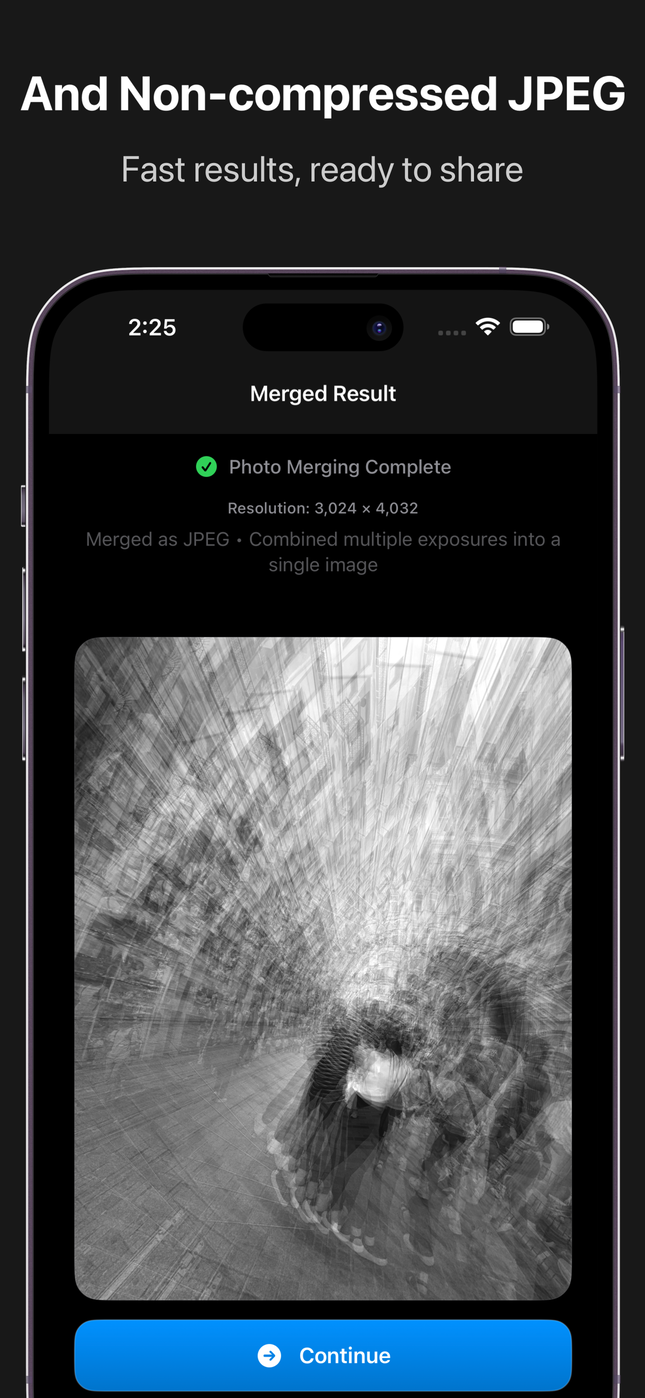
Flat Photo Merging
Merge multiple photos without blending modes for natural, realistic multiple exposure effects.
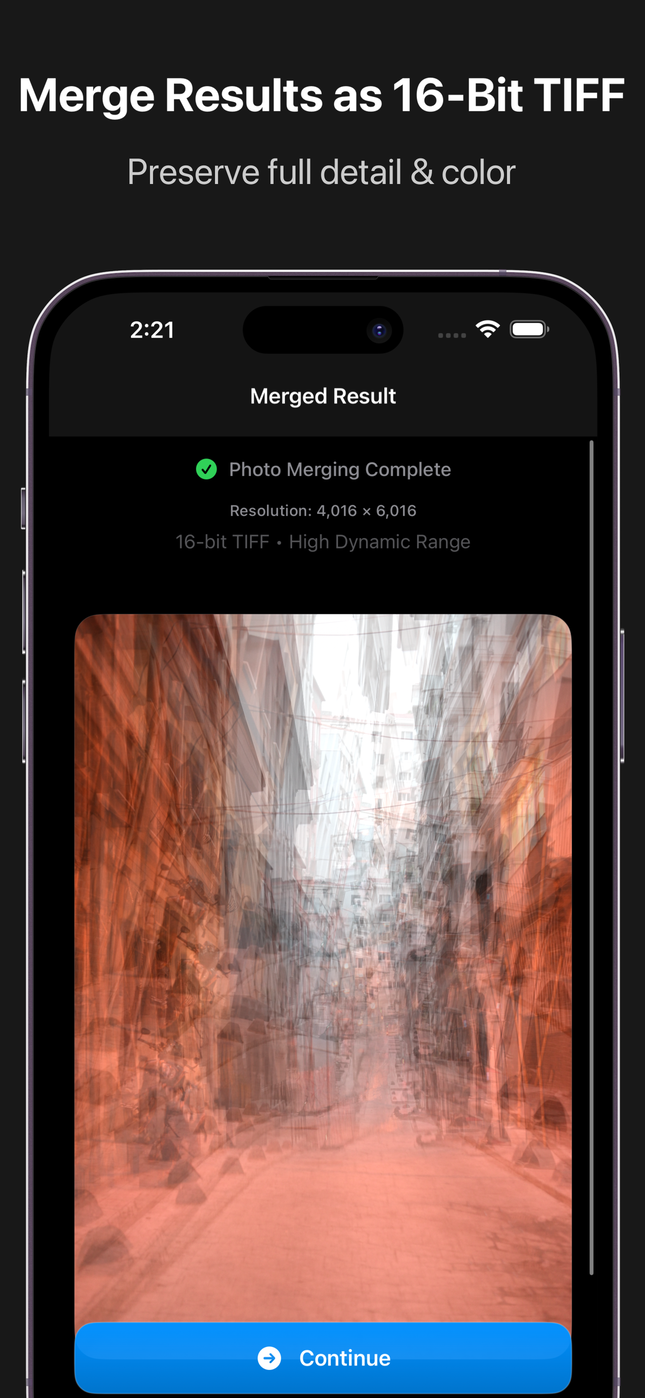
Natural Results
Get beautiful multiple exposure effects that look natural without artificial HDR or over-processed appearance.
Real-time Preview
See your merged result instantly as you adjust settings, ensuring perfect results before saving.
High-Quality Output
Maintains original photo quality and detail without compression or quality loss during merging.
On-Device Processing
All merging happens on your device - no internet required, complete privacy, and fast processing.
Creative Freedom
Perfect for artistic multiple exposure effects, creative portraits, and experimental photography.
Fast Performance
Optimized processing engine delivers quick results without draining your battery.
Photo Library Integration
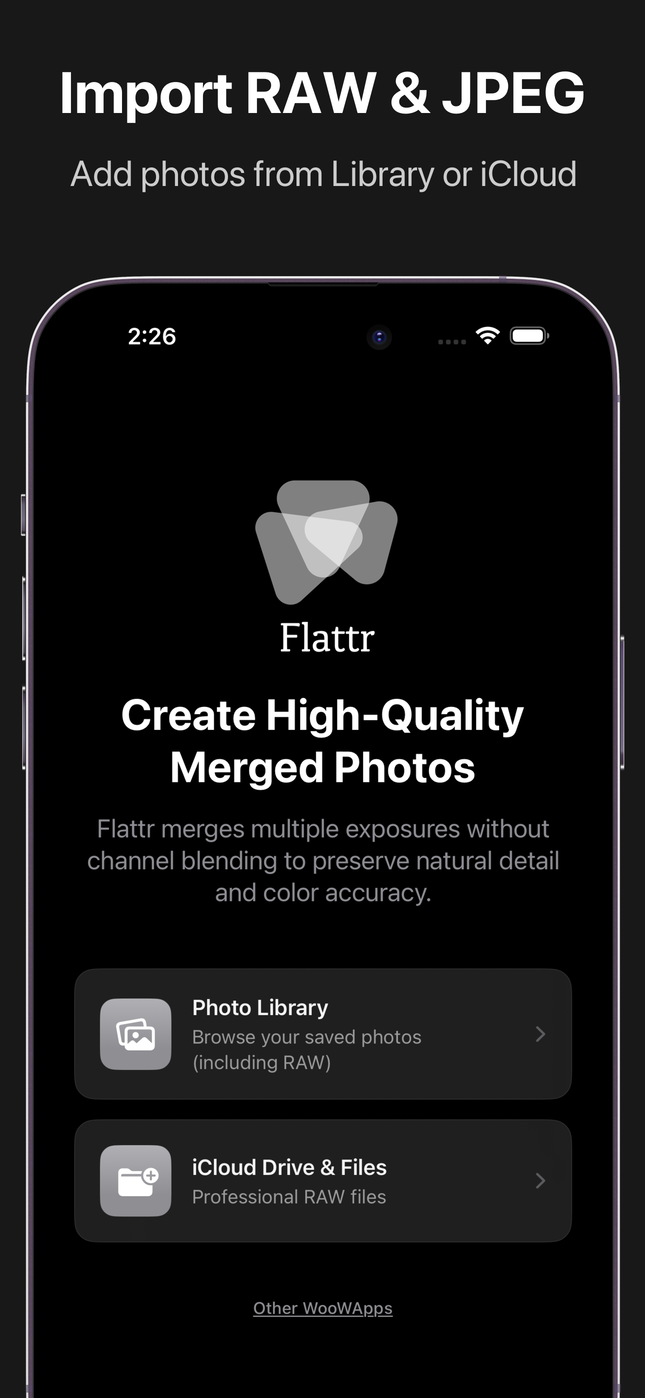
Seamlessly import from your Photo Library and save results back with one tap.
Lightweight App
Small app size with powerful features — doesn’t take up unnecessary space on your device.
Privacy First
Your photos never leave your device - no cloud processing, no data collection, complete privacy.