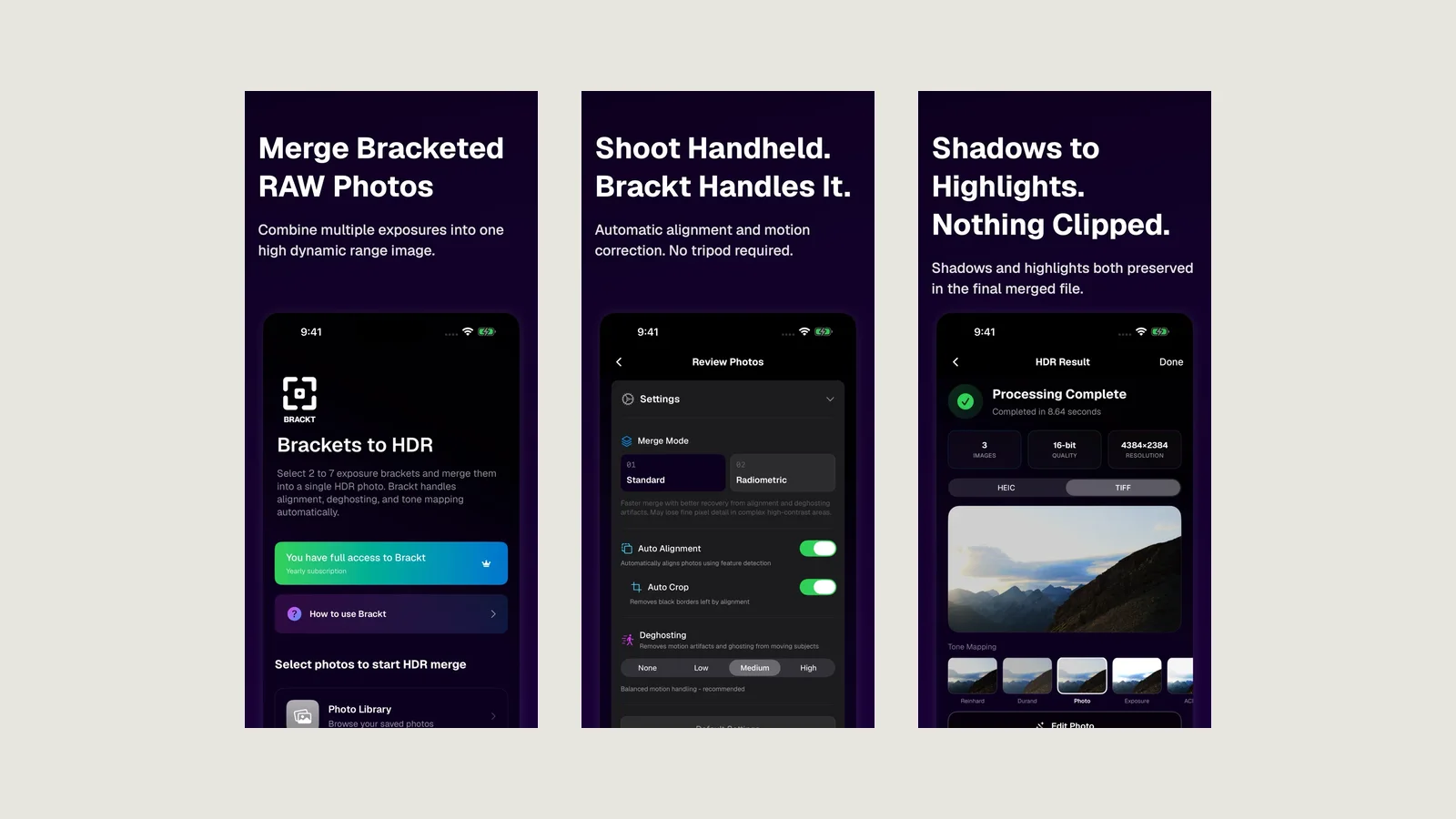
Merging a bracket is only half of HDR. The merged file holds far more dynamic range than any screen can show, so something has to decide how all that light gets squeezed into a viewable image. That decision is tone mapping, and it shapes the look more than anything else.
Brackt merges 2 to 9 bracketed RAW exposures on your iPhone or iPad, and then gives you ten ways to make that decision.
Natural and subtle
Reinhard, Drago, Exposure and Exponential compress the whole image with one smooth curve. Highlights roll off gently and the scene stays close to what your eye saw. Good starting points for landscapes and interiors where the goal is simply "nothing clipped".
Filmic
ACES Filmic and Hable Filmic borrow the response curves used in film and games: rich midtones, a soft shoulder into the highlights, a slightly cinematic contrast.
Local contrast
Durand and Ward Local Adaptation treat different areas of the frame differently, pulling detail out of shadows and bright skies at the same time. This is where the classic "HDR look" lives, and you decide how far to take it.
Photographic and HLG
Photographic aims for a balanced, print-like result. HLG (Hybrid Log-Gamma) targets HDR displays.
Whatever look you choose, HEIC exports use the ST.2084 PQ transfer curve, so merged photos render as true HDR on iPhone 15 Pro, iPad Pro and Apple displays.
Then refine it
Tone mapping is the starting point, not the end. The in-app editor adds colour, clarity, texture, dehaze and noise reduction, with a named undo history, so you can compare looks without starting over.
The same bracket, ten interpretations. Pick the one that matches the light you remember.