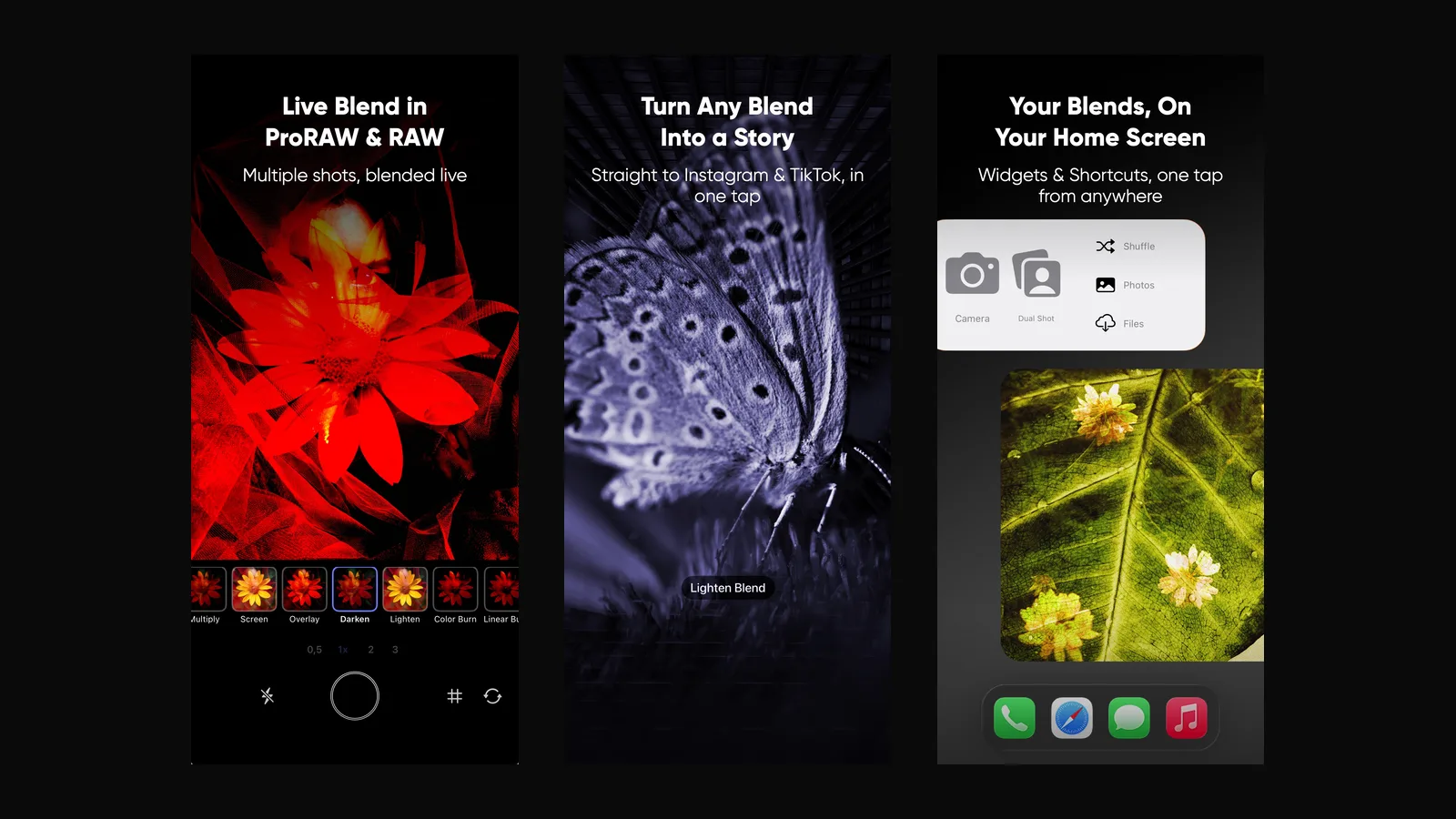
ImageFlux 2.6 is about what happens around a blend: how you start one, how you shoot for it and where it goes when it's done.
Blend Story
A blend used to end as a still image. Now it can become a vertical story video, ready for Instagram and TikTok. Export a blend and ImageFlux offers to build the story for you; there's nothing to set up.
Widgets, Shortcuts and Control Center
Recent Blends puts your latest work on the Home Screen and rotates through it every 5, 10 or 30 minutes. Quick Actions puts Camera, Dual Shot, Shuffle, Photos and Files one tap away. You can also start a blend or open the camera from Shortcuts, Spotlight and Control Center, wherever you are on your iPhone.
Burst Mode and a faster camera
Multiple exposure lives on timing. Burst Mode shoots up to 30 frames in one go and lets you keep up to 10 of the best. ProRAW capture is faster too, and Bluetooth shutter grips now work, so you can shoot with the phone mounted or at arm's length.
Crop & Flip
Crop, straighten and flip any layer with draggable handles and an aspect-ratio lock. The crop is non-destructive like everything else in ImageFlux: re-open the blend and it's still there, still editable.
Built for the fold
On iPhone with a folding display, the canvas adapts to the inner screen and the layers panel splits right at the fold.
And the rest
Clean up temporary blends in Settings → Storage. Deleted blends no longer come back after you turn on iCloud sync, and the Recent Blends widget updates right away. The Black & White sliders, Light theme text contrast, a layer vanishing when dragged to the bottom and a black camera screen during iCloud sync are all fixed.
Thanks for creating with ImageFlux. Keep the blends coming.